Why UI Design Still Matters: What Happens When You Skip It
UI design is one of the first things cut when a small business tries to save money on a website. The logic sounds reasonable: if the content is solid and the site technically works, why spend more on how it looks?
Because UI design does more than make a site look nice. It is the structure that decides whether visitors understand your offer, trust your business, and actually take action. When you skip it, the problems are not always obvious up front, but they show up in the numbers soon enough.
What UI Design Actually Controls
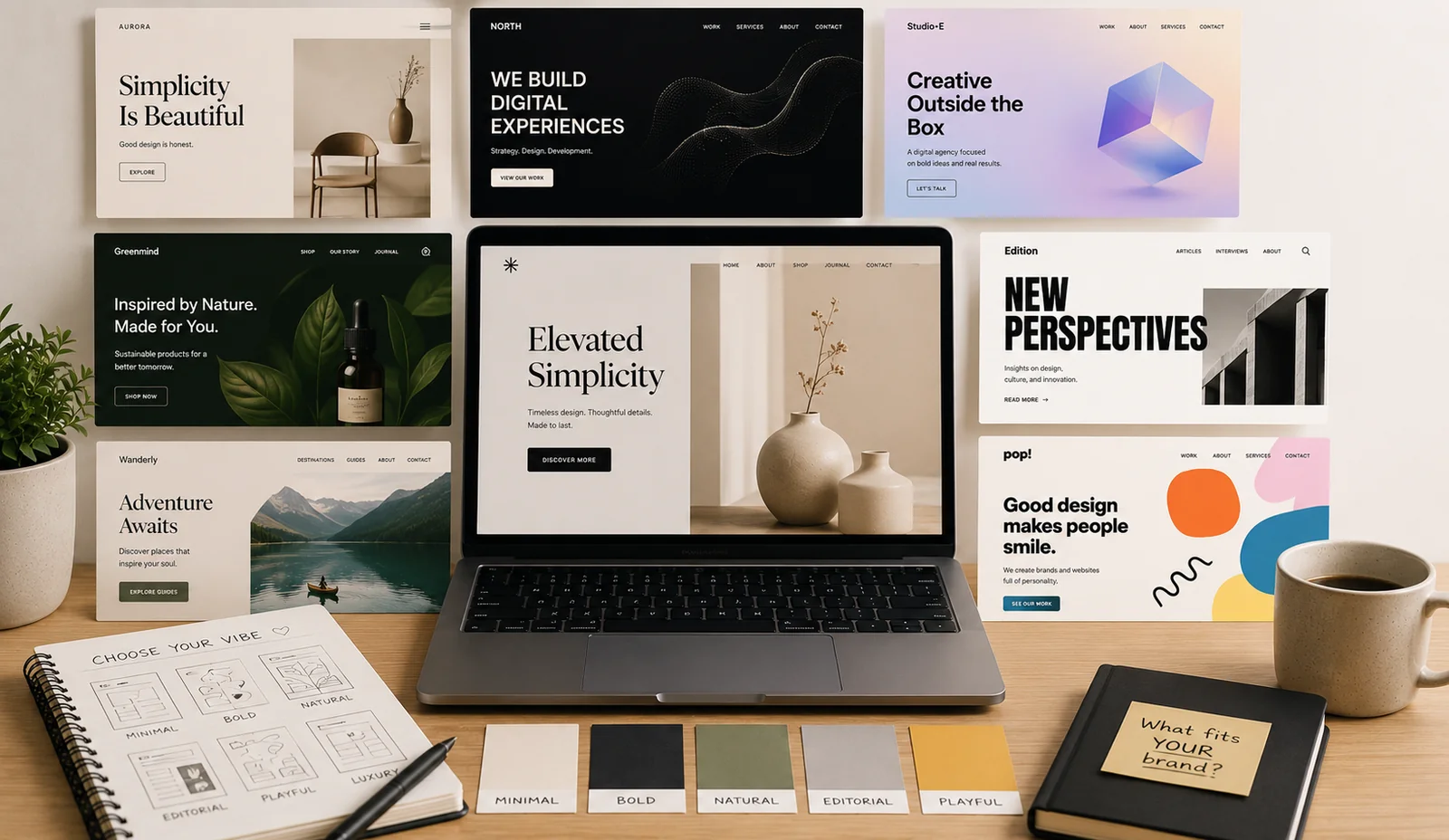
UI stands for user interface, and it covers every visual and interactive element a person meets on your site: typography, spacing, color, button placement, form layout, how text is organized, how pages flow from one to the next. It is less about abstract branding than about the specific decisions that control how easy or hard your site is to use.
A developer can write clean code and still produce a page that is hard to read. A copywriter can write a strong headline that gets buried because the layout never gives it room to breathe. UI design is the layer that makes everything else work together.
What It Looks Like When It's Missing
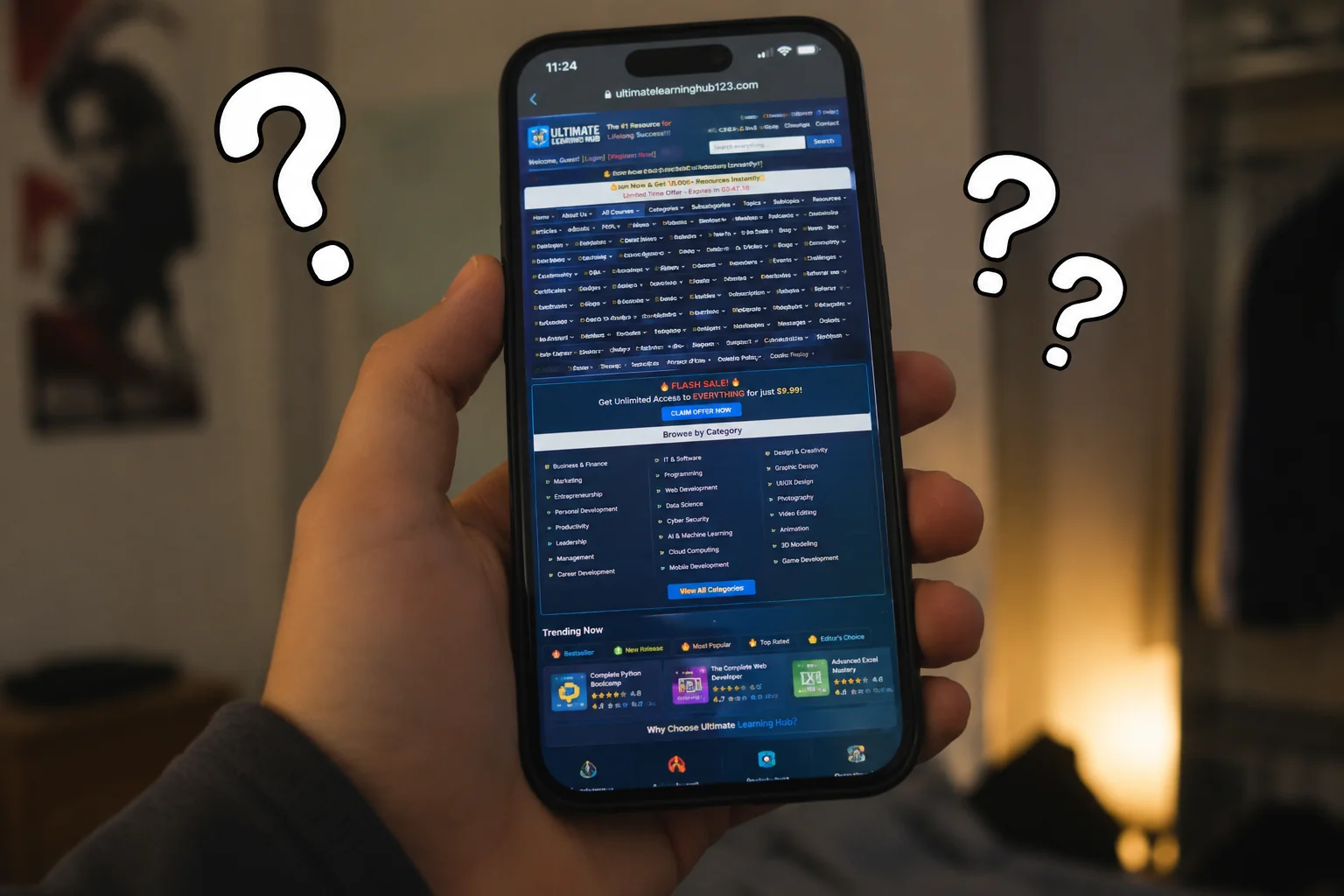
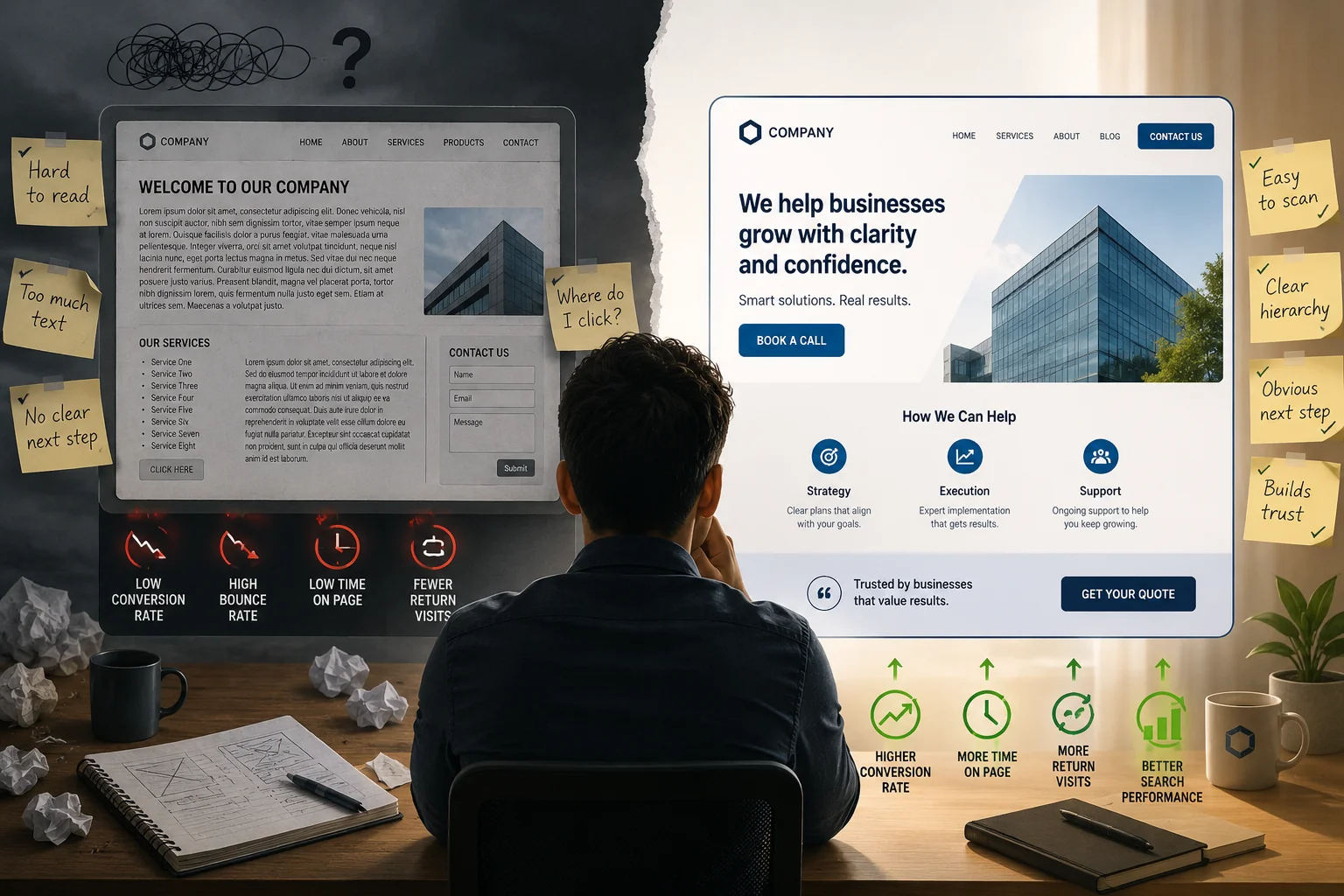
You have seen this site before. Text too small to read comfortably on a phone. A homepage that lists every service the business offers without making any single one feel like the obvious next step. A contact button that fades into the background. A wall of text with no visual breaks to help the eye move down the page.
Those are UI problems, not writing or code problems, and they cost you.
The Business Cost of Skipping UI Design
Visitors decide within a few seconds whether a site feels trustworthy, and that judgment is almost entirely visual. If the spacing is off, the fonts are fighting each other, or the layout feels crowded and unpredictable, people leave. They leave because the site felt unreliable, even when the service behind it is excellent.
That gap is hard to see in your analytics. You will notice traffic without bookings, or a high bounce rate, but the cause never shows up labeled "bad UI." It just looks like the site is not working.
The concrete metrics that suffer
Conversion rate drops when buttons are unclear, calls to action are buried, or the path from "I'm interested" to "I'll contact them" takes more effort than it should.
Time on page falls when content is hard to scan. People read in F-shaped patterns, skimming the top and left before committing, and good UI works with that habit instead of against it.
Return visits decline when the experience felt like work. People remember how a site made them feel, even when they cannot name what was wrong.
Search performance can suffer indirectly. Core Web Vitals are a confirmed ranking factor, and while Google says it does not use bounce rate or dwell time directly, a site people bounce straight back from earns fewer of the return visits, links, and satisfied clicks that do help you rank.
What "Good Enough" UI Actually Costs You
A common approach is to grab a template and call it done. Templates are not the problem in themselves. The trouble is that most owners apply one without adjusting it for their specific content, audience, or goals, and the result is a site that looks like a template, in the sense that nothing on it was considered for the actual business.
The details add up. HubSpot's analysis of 40,000 forms found that cutting a contact form from four fields to three lifted conversions by close to half, though the right number depends on your offer, since a few extra fields can sometimes qualify better leads. A button labeled "Submit" reliably converts worse than one labeled with the actual action, like "Get Your Quote" or "Book a Call." Those get decided at the design layer, not the marketing layer, and when nobody is doing that work, you are leaving them to chance.
Who Is Making These Decisions, If Not a UI Designer
If you built your site on Squarespace or Wix without a designer, you made UI decisions. You chose a layout, picked fonts, placed buttons, arranged sections. UI decisions got made either way. The only real question is whether anyone made them on purpose.
Most DIY sites end up with inconsistent spacing, no clear visual hierarchy, and calls to action that were never tested or even really considered. There is no shame in that. It is simply what happens when someone without design training is working from a template and trying to get something live.
Frequently Asked Questions
What exactly does a UI designer do?
A UI designer makes deliberate decisions about how a website looks and behaves: layout, typography, color, spacing, button placement, and visual hierarchy. The goal is a site that is easy to read, easy to navigate, and quietly moves visitors toward the action you want them to take.
Is UI design the same as UX design?
Not quite. UX, or user experience, covers the whole journey a visitor takes: how they find your site, what they are trying to do, and whether they manage it. UI design is the visual execution layer inside that journey. A site can have sound UX thinking behind it and still fail at the UI level if the visual decisions do not hold up.
Does UI design actually affect SEO?
Indirectly, yes. The most direct link is page experience: Core Web Vitals are a confirmed ranking factor, and several of those scores are shaped by design decisions. Beyond that, Google has repeatedly said it does not use bounce rate or dwell time as direct ranking signals, so the honest version is that good UI helps SEO by earning more links, return visits, and satisfied clicks, rather than by feeding Google a "time on page" number.
How do I know if my site has a UI problem?
Start with your bounce rate and your conversion rate. If people arrive and leave without doing anything, that is a signal. Then ask someone who does not know your business to find your main service and contact you, and just watch. Wherever they hesitate or get confused is where your UI is failing.
Can a template replace UI design?
A template gives you a starting point with reasonable defaults. What it cannot do is make decisions specific to your business, your content, and your customers. A UI designer takes a template, or builds from scratch, and shapes it to actually work toward your goals. The visual difference between a stock template and a designed site is easy to see. The conversion difference is where it really shows up.
If your site is technically live but not producing results, UI is often where the gap hides, and it is a fixable problem. If you want a second set of eyes on what is not working, reach out and we will take a look.
Why UI Design Still Matters: What Happens When You Skip It
UI design is one of the first things cut when a small business tries to save money on a website. The logic sounds reasonable: if the content is solid and the site technically works, why spend more on how it looks?
Because UI design does more than make a site look nice. It is the structure that decides whether visitors understand your offer, trust your business, and actually take action. When you skip it, the problems are not always obvious up front, but they show up in the numbers soon enough.
What UI Design Actually Controls
UI stands for user interface, and it covers every visual and interactive element a person meets on your site: typography, spacing, color, button placement, form layout, how text is organized, how pages flow from one to the next. It is less about abstract branding than about the specific decisions that control how easy or hard your site is to use.
A developer can write clean code and still produce a page that is hard to read. A copywriter can write a strong headline that gets buried because the layout never gives it room to breathe. UI design is the layer that makes everything else work together.
What It Looks Like When It's Missing
You have seen this site before. Text too small to read comfortably on a phone. A homepage that lists every service the business offers without making any single one feel like the obvious next step. A contact button that fades into the background. A wall of text with no visual breaks to help the eye move down the page.
Those are UI problems, not writing or code problems, and they cost you.
The Business Cost of Skipping UI Design
Visitors decide within a few seconds whether a site feels trustworthy, and that judgment is almost entirely visual. If the spacing is off, the fonts are fighting each other, or the layout feels crowded and unpredictable, people leave. They leave because the site felt unreliable, even when the service behind it is excellent.
That gap is hard to see in your analytics. You will notice traffic without bookings, or a high bounce rate, but the cause never shows up labeled "bad UI." It just looks like the site is not working.
The concrete metrics that suffer
Conversion rate drops when buttons are unclear, calls to action are buried, or the path from "I'm interested" to "I'll contact them" takes more effort than it should.
Time on page falls when content is hard to scan. People read in F-shaped patterns, skimming the top and left before committing, and good UI works with that habit instead of against it.
Return visits decline when the experience felt like work. People remember how a site made them feel, even when they cannot name what was wrong.
Search performance can suffer indirectly. Core Web Vitals are a confirmed ranking factor, and while Google says it does not use bounce rate or dwell time directly, a site people bounce straight back from earns fewer of the return visits, links, and satisfied clicks that do help you rank.
What "Good Enough" UI Actually Costs You
A common approach is to grab a template and call it done. Templates are not the problem in themselves. The trouble is that most owners apply one without adjusting it for their specific content, audience, or goals, and the result is a site that looks like a template, in the sense that nothing on it was considered for the actual business.
The details add up. HubSpot's analysis of 40,000 forms found that cutting a contact form from four fields to three lifted conversions by close to half, though the right number depends on your offer, since a few extra fields can sometimes qualify better leads. A button labeled "Submit" reliably converts worse than one labeled with the actual action, like "Get Your Quote" or "Book a Call." Those get decided at the design layer, not the marketing layer, and when nobody is doing that work, you are leaving them to chance.
Who Is Making These Decisions, If Not a UI Designer
If you built your site on Squarespace or Wix without a designer, you made UI decisions. You chose a layout, picked fonts, placed buttons, arranged sections. UI decisions got made either way. The only real question is whether anyone made them on purpose.
Most DIY sites end up with inconsistent spacing, no clear visual hierarchy, and calls to action that were never tested or even really considered. There is no shame in that. It is simply what happens when someone without design training is working from a template and trying to get something live.
Frequently Asked Questions
What exactly does a UI designer do?
A UI designer makes deliberate decisions about how a website looks and behaves: layout, typography, color, spacing, button placement, and visual hierarchy. The goal is a site that is easy to read, easy to navigate, and quietly moves visitors toward the action you want them to take.
Is UI design the same as UX design?
Not quite. UX, or user experience, covers the whole journey a visitor takes: how they find your site, what they are trying to do, and whether they manage it. UI design is the visual execution layer inside that journey. A site can have sound UX thinking behind it and still fail at the UI level if the visual decisions do not hold up.
Does UI design actually affect SEO?
Indirectly, yes. The most direct link is page experience: Core Web Vitals are a confirmed ranking factor, and several of those scores are shaped by design decisions. Beyond that, Google has repeatedly said it does not use bounce rate or dwell time as direct ranking signals, so the honest version is that good UI helps SEO by earning more links, return visits, and satisfied clicks, rather than by feeding Google a "time on page" number.
How do I know if my site has a UI problem?
Start with your bounce rate and your conversion rate. If people arrive and leave without doing anything, that is a signal. Then ask someone who does not know your business to find your main service and contact you, and just watch. Wherever they hesitate or get confused is where your UI is failing.
Can a template replace UI design?
A template gives you a starting point with reasonable defaults. What it cannot do is make decisions specific to your business, your content, and your customers. A UI designer takes a template, or builds from scratch, and shapes it to actually work toward your goals. The visual difference between a stock template and a designed site is easy to see. The conversion difference is where it really shows up.
If your site is technically live but not producing results, UI is often where the gap hides, and it is a fixable problem. If you want a second set of eyes on what is not working, reach out and we will take a look.